A photo time machine for iPhone and iPad
See any scene’s
past or future.
Take a photo and pick a time, from minutes to millennia, earlier or later. Timeshift shows you the same scene at that moment.
Free to try: 3 shifts to start, then 1 free every day.
Drag along the ruler, or tap a time.
Minutes to millennia
As if a camera stood there the whole time.
Pick any span, up to 100,000 years either way, and the change matches the time that passed. Ice cream is gone in an hour. Bananas brown in ten days. A seedling is a tree in thirty years, and twenty thousand years back the valley lies under ice.
Press and hold a picture to see the photo it started from.
How it works
One photo. Any moment.
No sliders, no settings, no prompts to write. Point it at something and choose when.
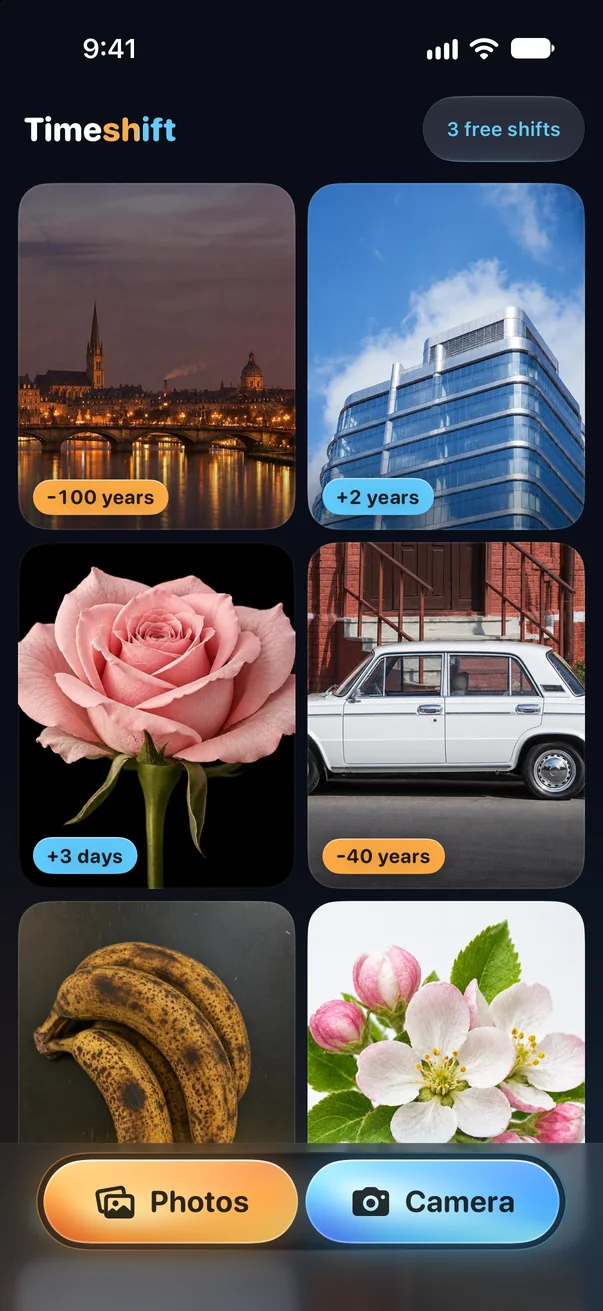
01
Take a photo, or pick one
A street, a pet, your lunch, an old family print. If it’s in the picture, it can travel.
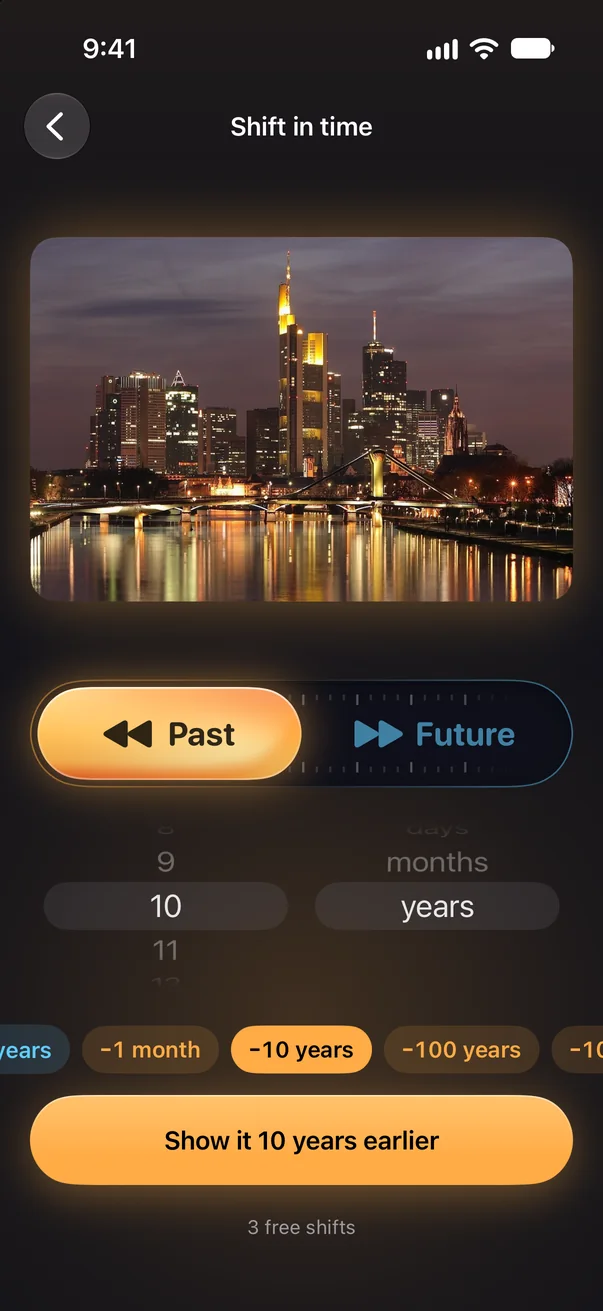
02
Choose when
Earlier or later, from one minute to 100,000 years. Presets get you there in a tap.
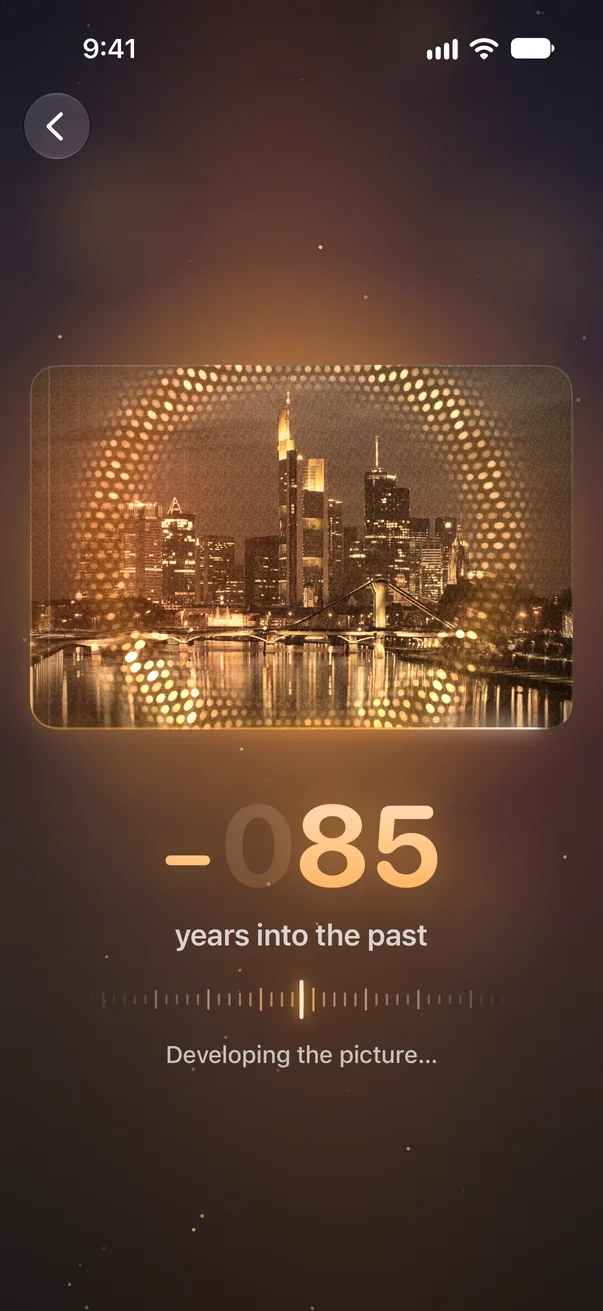
03
Watch it change
About fifteen seconds of time rolling by. Lock your phone if you like; it keeps going.
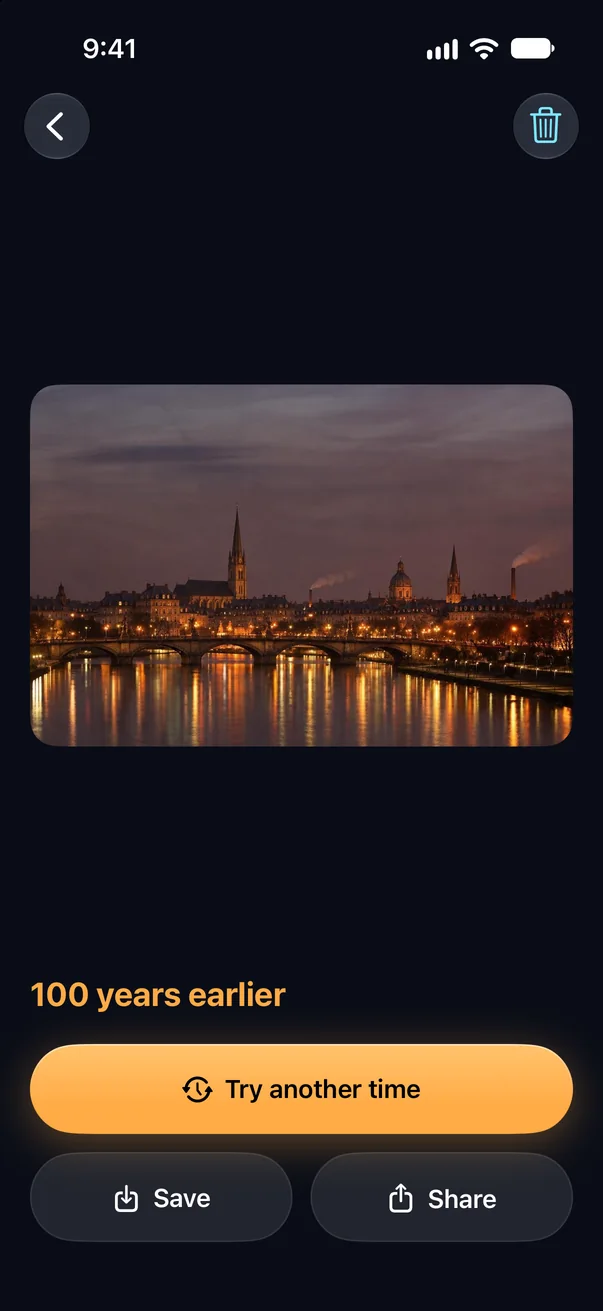
04
There it is
The same scene, at the moment you picked. Try another time with one tap.
Hold to look back
Touch and hold the new picture to see your photo as it was. Let go, and you’re back in the other time.
Keeps going without you
Lock your phone or switch apps. The picture keeps coming and waits for you in your gallery.
Save and share, free
Saving to Photos and sharing never cost a thing.
Both directions
Flip between earlier and later and see the same scene go both ways.
iPhone and iPad
One app for both, on iOS 18 or later.
Privacy
Your photos stay yours.
No account to make, no ads, no tracking. Your gallery lives on your device, and the photo you send is only used to make your picture.
-
Location and metadata removedStripped on your device, before anything is uploaded.
-
Made by AI from Google and OpenAIYour photo goes to them only to make your picture.
-
Kept on your iPhone, not on our serverYour photo isn’t stored. The new picture waits up to an hour in case the reply gets lost, then it’s deleted.
Price
Free every day. Packs when you want more.
Each new picture uses one shift. No subscription, and the shifts you buy never expire.
Free
Enough to try it, and a new one every day.
- 3 free shifts to start
- Then 1 free shift every day
- Saving and sharing always free
US prices. The App Store shows the price in your country. Bought shifts come with you to your other iPhone or iPad on the same Apple Account.
Is this what the place really looked like?
No, it’s imagined. Each picture is AI’s idea of how that same scene would plausibly look at the time you chose. It’s made for wonder and fun, not as a record of what happened.
What is a shift?
One new picture: your photo at the time you picked. Trying the same photo at another time is another shift.
How far can I go?
From one minute to 100,000 years, earlier or later. Short spans change small things, like melting ice cream or a blooming rose; long ones change whole landscapes.
How long does it take?
Usually about fifteen seconds. You can lock your phone or use other apps meanwhile; the picture is waiting in your gallery when you come back.
What if a picture can’t be made?
If something goes wrong on our side, the shift goes back to you. You can try again right away.
Do I need an account?
No. There’s nothing to sign up for. Shifts you buy belong to your Apple Account, so Restore Purchases brings them to your other iPhone or iPad.
What happens to my photo?
It’s resized and its location and other metadata are removed on your device, then it’s sent to make your picture. We don’t keep your photo. The new picture is held for up to an hour, only so it can be sent again if the connection drops, then deleted. The privacy policy has the details.
Which devices does it run on?
iPhone and iPad with iOS 18 or later.

Your camera, unstuck in time.
Timeshift: Photo Time Machine is coming soon to the App Store for iPhone and iPad.